 Sciencepulse
Pixel's November Drop Adds New Icon Styles and AI-Made Widgets
Android·November 12, 2026
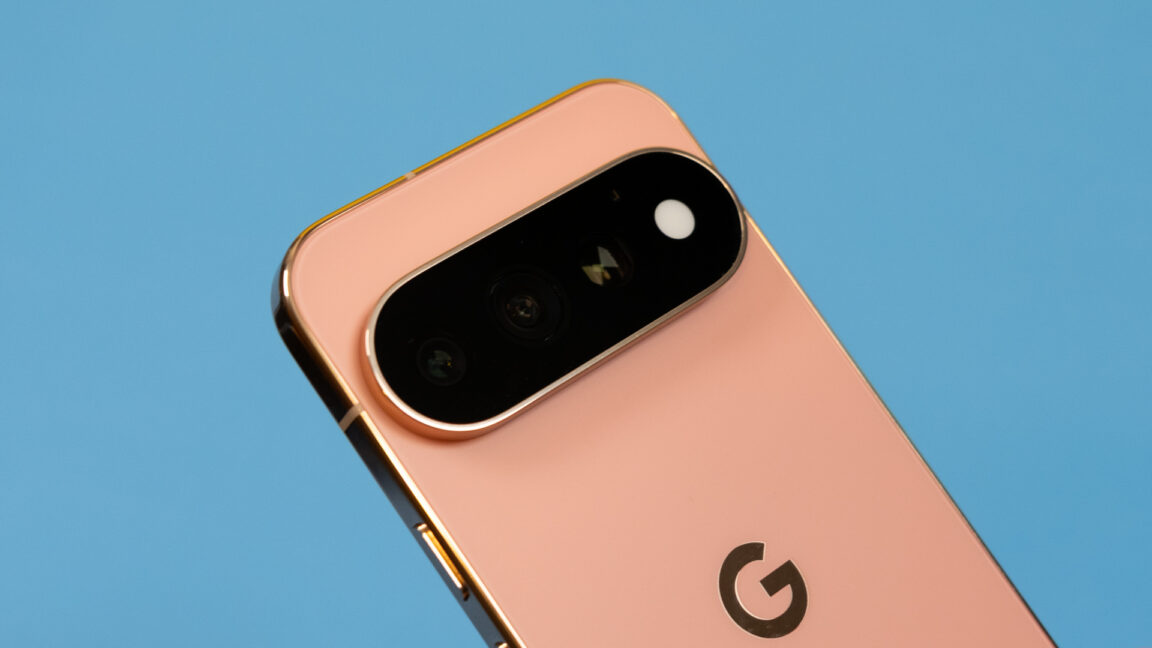
Google's November Pixel Drop is aimed squarely at the home screen, the part of the phone people look at most. The two headline changes are expanded custom icon styles and a new tool called Create My Widget, which uses AI to generate widgets that fit what a user asks for.
Icon customization has been a recurring theme in Pixel updates, and this drop extends it. Owners get more styles to choose from, so app icons can better match a chosen look without installing a third-party launcher. It builds on the theming options Google has added in earlier releases, applied to a wider set of icons.
Create My Widget is the more ambitious addition. Instead of picking from a fixed list of widget templates, users describe what they want on the home screen and the phone generates a matching widget. The announcement summary does not say which models get the feature first, what kinds of widgets the tool can produce, or how it handles data it cannot reach, so those details are still open. Reviewers will want to see how well the generated widgets hold up with real information and under the layout limits of different screen sizes.
Pixel Drops are Google's periodic bundles of feature and bug-fix updates for Pixel phones, and they typically roll out in stages over several weeks. Owners should not expect everything at once, and should check Settings for a system update to see whether the new options have arrived on their device.
The larger point is direction. Google is using generative AI for personalization that once required manual setup or a separate app. Whether people keep using AI-made widgets after the novelty wears off will tell us more than the feature list does.
Reporting based on an external source.